Work with Microsoft 365 in Mythos
Use selected Microsoft 365 services in your Mythos workflow, from an existing Excel table to an Outlook calendar or SharePoint list. Start with the account and task.

Build around the tools your team already opens
A small training company may run much of its work in Microsoft 365: a workshop schedule in Outlook, an attendance workbook in Excel, and course information in SharePoint. A new app is easier to introduce when it respects where that information is already maintained.
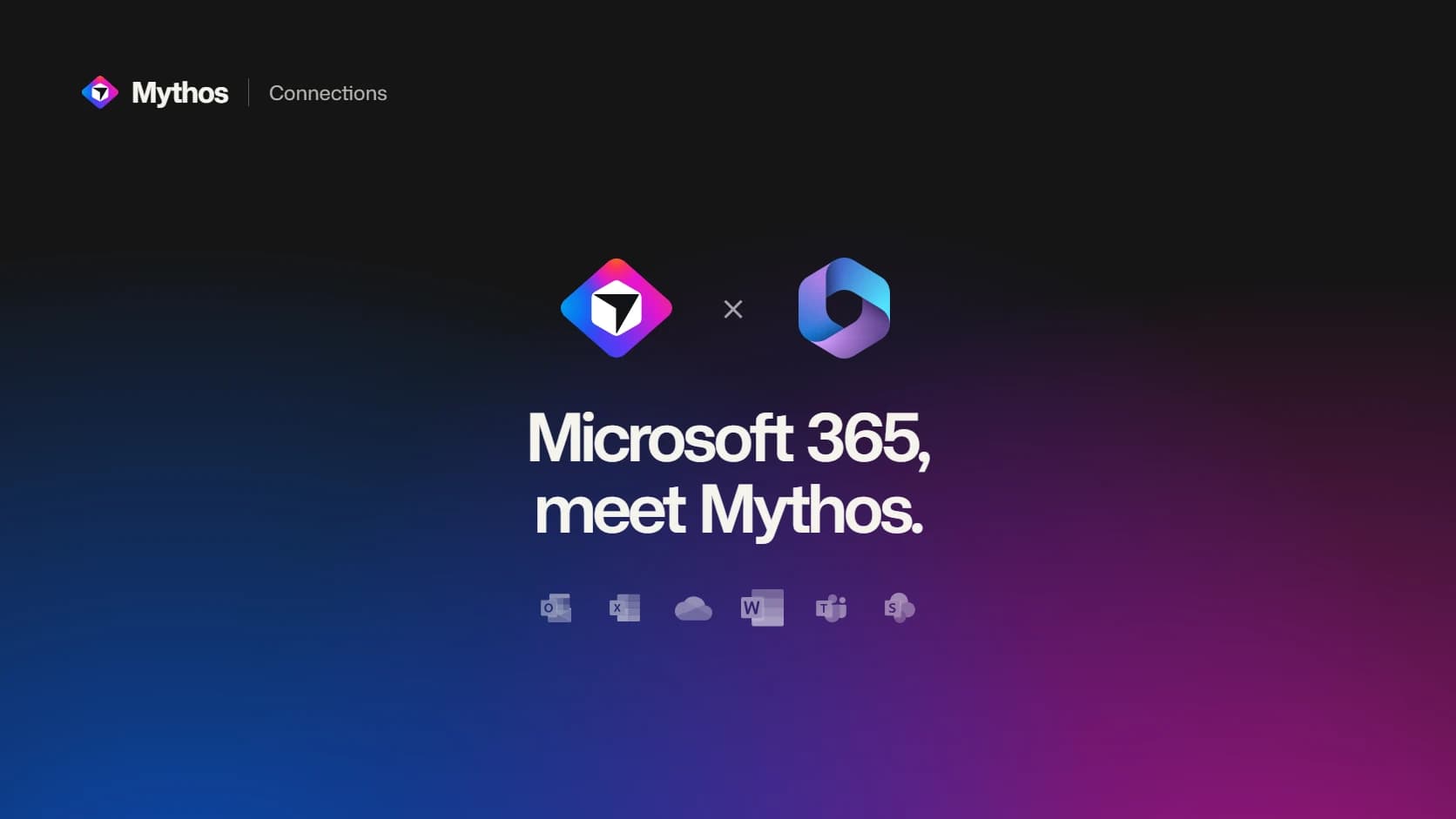
The Microsoft 365 connection in Mythos brings selected services into the building workflow through one Microsoft account. You choose which services to authorize, then link the connection to the project that needs it.
Start with a narrow task. For the training company, inspecting the existing attendance table is a more useful first step than asking for an app that reorganizes the whole business.
Match the task to the service
The available actions differ by service. Excel can work with existing worksheets, tables and ranges. Outlook supports mail and calendar actions. SharePoint can work with sites, lists, items and pages. Teams supports posting and replying in available channels.
Those names do not imply access to everything in each product. The Word and OneDrive connection works with file details and organization; it does not read or rewrite Word document bodies. Teams channel posting does not provide chat-history reading. Check the Microsoft 365 service guide for the supported actions before designing a workflow around them.
For Excel, Teams and SharePoint, use an appropriate work or school account. Your organization's permissions, service licenses and consent requirements still apply.
Check one result in the original service
For the attendance workbook, begin by reading the table structure and a suitable sample. Decide which columns the app should display and which should remain editable only by staff. This gives you a concrete model for the interface without inventing new field names.
If you ask Mythos to update information, review the proposed action and inspect the result in Microsoft 365 afterward. A change to the wrong worksheet can look successful in a chat while leaving the team's actual process untouched.
Use the connection's sharing settings deliberately. Private access, selected collaborators and workspace sharing serve different purposes. Link the connection to the intended project with Use in this project rather than assuming every project should inherit it.
Separate building access from visitor access
Connecting your Microsoft account gives the building workflow access through that account. It does not automatically add Microsoft sign-in to the published app or authorize every visitor to use your company's data.
If the goal is a public registration form that writes to a workbook, review the separate Microsoft Excel connector intended for published form submissions. Explain who may submit, what gets saved and how staff will find the new entry. Test that complete journey using suitable sample information before inviting attendees.
For a broader app, agree on the access model before exposing internal records. The people and permissions documentation covers collaboration inside Mythos; the app's own user permissions still need to match the audience you are building for.
Choose the first useful Microsoft 365 action, verify it where the team works, and let that result guide the next part of the app.
Published