Plan before you build in Mythos
Use Plan in Mythos to resolve scope, review an editable proposal and choose the exact plan that moves into Build. See where planning helps and where it adds little.

Some requests contain a decision to make
Add a booking feature sounds like a clear instruction until you work through what booking means. Can a visitor reserve a place immediately, or does the business confirm it later? Does the website need live availability? What happens when the requested date is full?
Those choices affect the pages, the data and the work required. Plan in Mythos gives you a place to resolve them before changing the project. It prepares a proposal you can review and edit, then hands the approved version to Build.
Use Plan for a meaningful choice
Plan is useful for a first version with several possible directions, a new user flow or a change that affects existing behavior. It can help distinguish the part you need now from the ideas that can wait.
A clear, small edit usually needs less preparation. If you want to correct a phone number or give the existing contact button a clearer label, you can describe that outcome directly in Build.
Planning is read-only for project code. Discussing an alternative does not implement it or replace your current Preview. That makes it possible to examine a proposal before deciding whether the work is worth doing.
Start with the situation, then answer the missing details
Consider a small ceramics studio that currently takes workshop enquiries by email. The owner wants visitors to choose a workshop and request a date, while staff continue to confirm arrangements personally.
That description gives Mythos more useful direction than a list of features copied from a large booking platform. It establishes the audience, the action and the human decision that remains part of the process.
Select Plan in the composer and explain those facts. Add any constraints that affect the answer, such as keeping the existing pages or using approved workshop descriptions. When a question comes up, answer the part that matters. If you are happy for Mythos to choose a visual detail, say so.
Read the draft as a description of the finished result
For the studio, the plan might describe a workshop page, an enquiry form and the information staff receive. It should make clear that requesting a date does not confirm a place. If enquiries must be stored or delivered through a service, that connection belongs in the plan too.
Look for three things when reviewing it: what a visitor can do, what the business must supply and how you will check that the result works. A useful acceptance point would be that a visitor can choose a workshop, send the required details and see an accurate explanation of the next step.
Remove additions that do not serve that first journey. Memberships, payment plans and a staff calendar may be worthwhile later, but they would change the scope of this request.
Approve the version you actually want
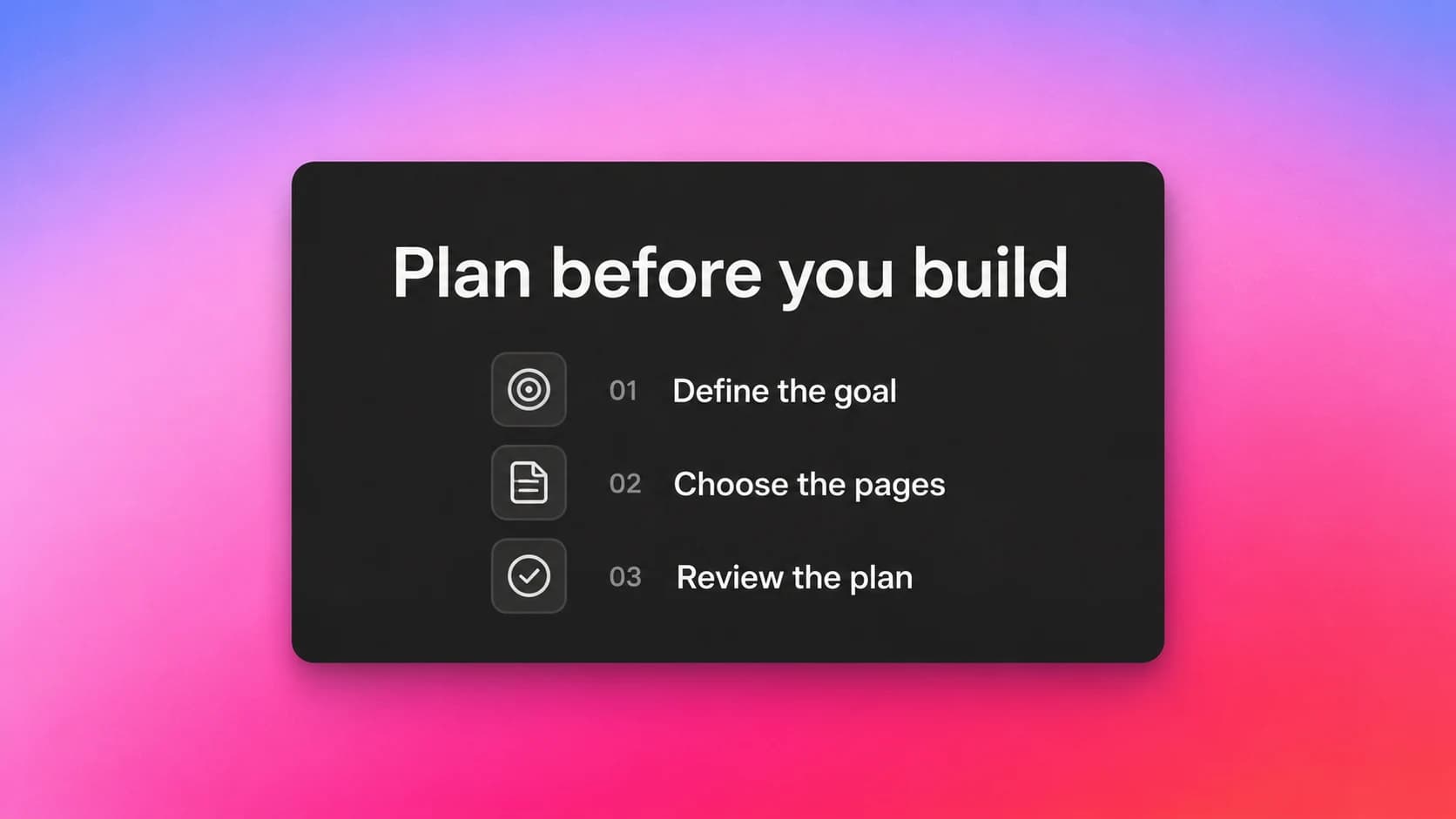
Open the draft from the conversation. The plan editor appears in the Preview area, where you can correct the wording or order directly. Wait for your changes to save before approving.
If you already know the correction, edit it. If the decision itself is unresolved, continue the planning conversation. Choose Approve when the saved draft describes the work you want to start; that approved version moves into the normal Build process.
The Plan documentation explains the editor, approval and what to do if the project changes while you are reviewing a draft.
Use the plan to review the result
After Build, follow the journey you agreed on. For the studio example, open a workshop, submit an enquiry and check the result at both ends. Read the confirmation carefully: its wording should match what the business actually does next.
Use the plan's acceptance points to compare the working page with the proposal. Try the form on your phone, check where the enquiry arrives and note anything that still needs attention. The pre-publication testing guide takes you through that review before the site goes live.