See what happens after you publish
Use Mythos Analytics to understand recorded visits, popular pages and traffic sources, then choose a useful improvement for your published site.

Publishing gives you a page to learn from
A workshop organizer shares a new website with a local community. People open the page, but the organizer still wants to know whether they reach the class details and which links bring them in.
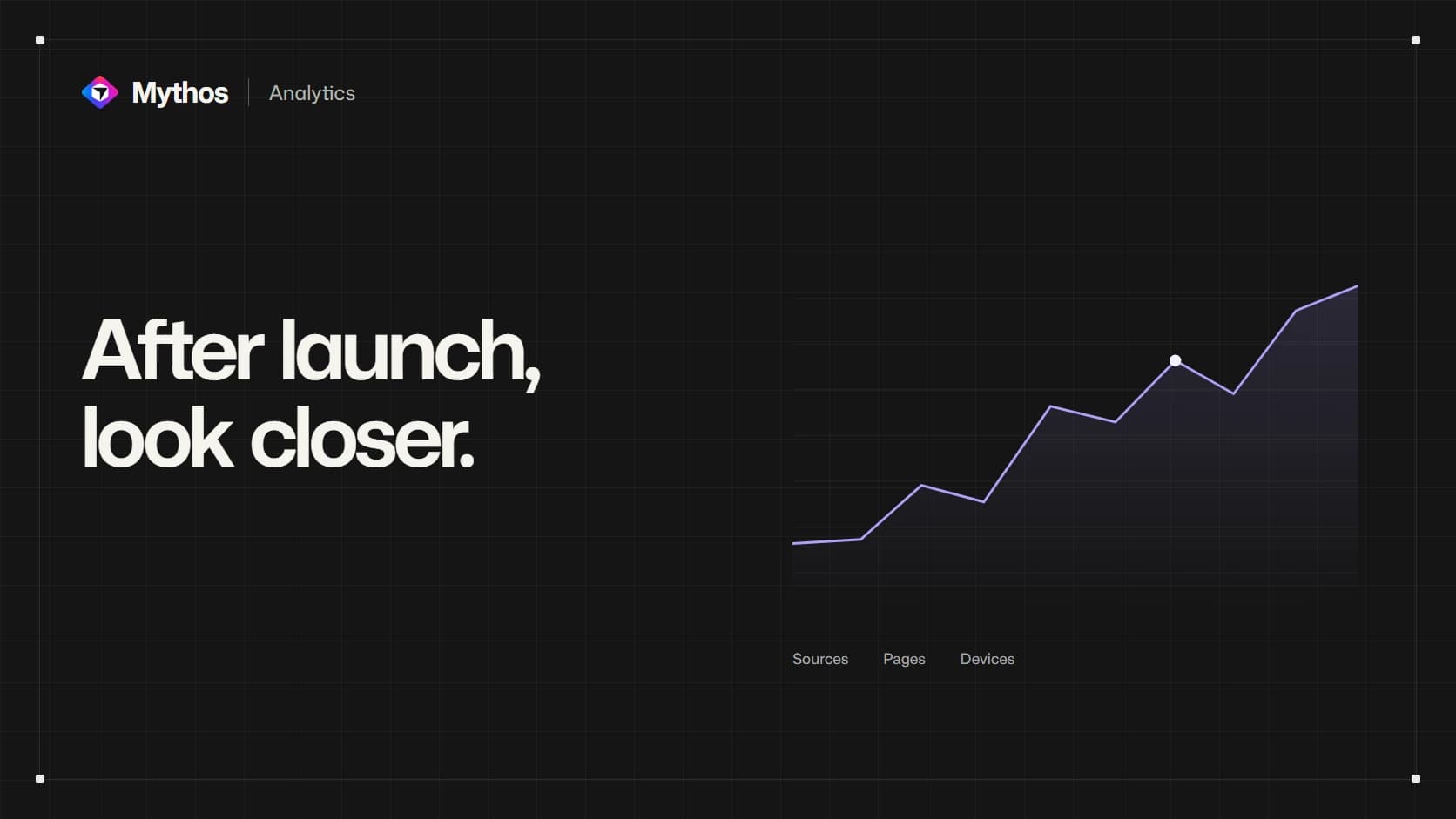
Mythos Analytics provides a view of recorded traffic for the published project. Open More → Analytics to review visits, page views and breakdowns by source, page, device and country. Traffic from the project's Mythos address and connected custom domains appears together.
Begin with a question you can answer from that information. “Are visitors opening the class page?” is more useful than watching a total rise without knowing what decision it should inform.
Read the metrics in context
Visitors represents recorded browser sessions, not a count of unique people across every device. Page views includes repeated page openings. Current visitors reflects recent activity, while the period selector gives you a longer view of the pattern.
Visit duration measures the time between the first and last tracked page view. A visit with only one page has a recorded duration of zero because there is no second view to measure against. A person can read the entire workshop description on that single page, so zero does not establish that they left immediately.
Direct traffic means there was no usable external referrer. It does not identify the exact way someone found the address. Keep these definitions in mind before changing the site on the strength of one number.
The chart covers visitors who allow analytics
Built-in analytics collects on a live project when Visitor analytics is enabled and the visitor chooses Allow analytics on that hostname. Preview visits are excluded. A visitor who rejects or has not decided about analytics does not contribute those events.
That means the totals are a view of recorded traffic, rather than a census of everyone who opened the site. Browser protections, disabled JavaScript and network failures can also affect collection. Compare trends over a useful period and avoid treating small differences as conclusive.
Visitor analytics can be changed in Publishing settings without rebuilding. Turning it off stops new collection; enabling it later does not recreate the missing visits. The Analytics documentation explains consent, history and the metric definitions.
Use a pattern to choose the next question
Suppose the workshop homepage receives visits but few recorded sessions include the class page. Inspect the homepage on the devices that appear in the report. The class link may be hard to find, its label may be unclear, or the opening page may already answer what visitors needed.
Treat those as possibilities to investigate. Ask a few people to find the class details, then make a focused improvement based on what you observe. Analytics alone cannot tell you why someone did not continue.
After publishing the change, compare a similar period and note other events, such as a newsletter or community post, that could explain different traffic. A page-view increase also does not prove that bookings increased; check the system that records bookings for that outcome.
Use the website launch guide alongside Analytics to keep the public address, first visitors and follow-up improvements connected.
Published