Check your site's SEO and AI search readiness
Review the saved draft and published site, improve the details that explain each page, and check the live result from Mythos's SEO & AI search view.

A clear page starts with a clear description
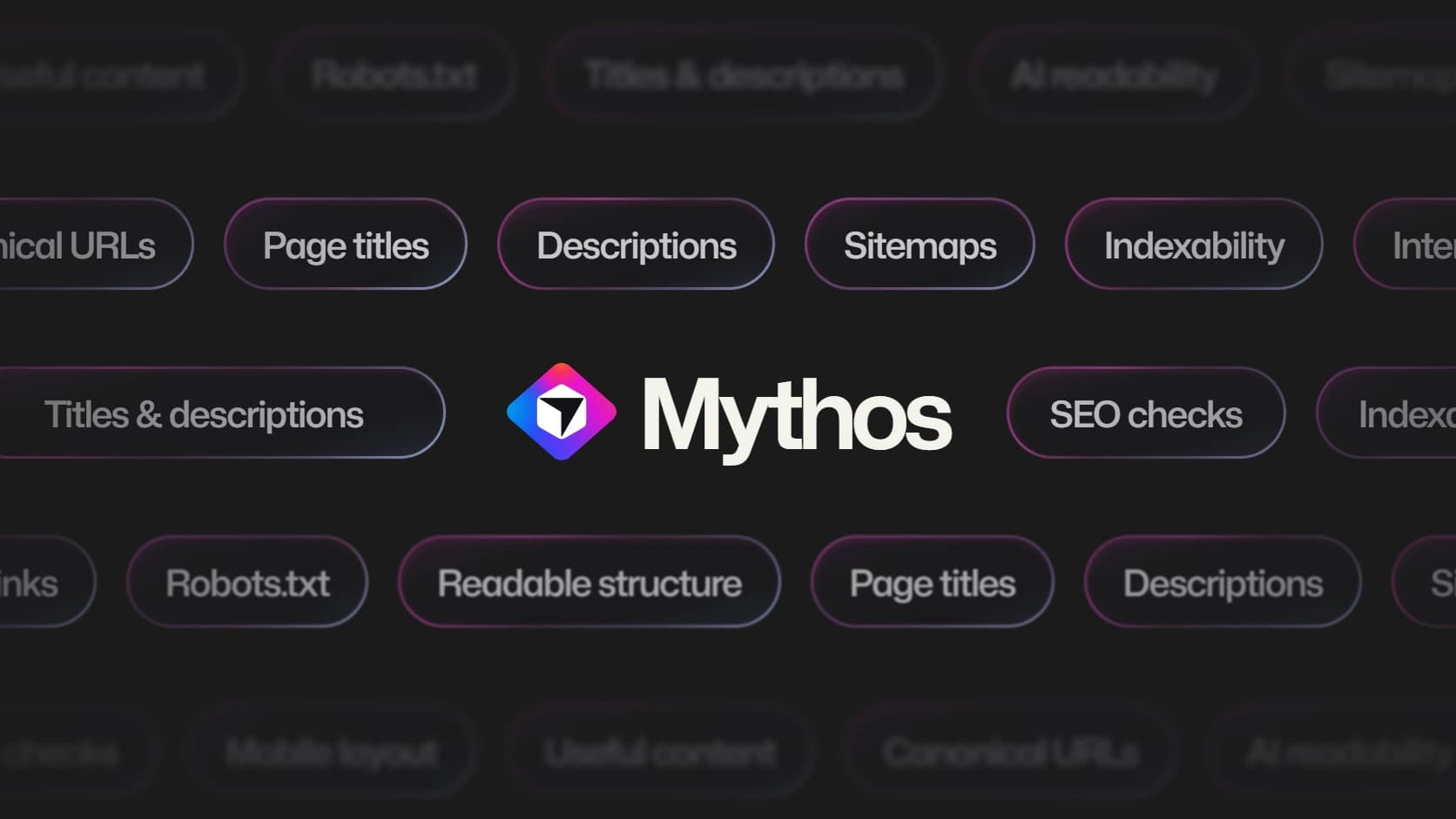
A repair studio's homepage might look distinctive while its browser title still says Home. The service pages might explain the work well but all share the same short description. Those details are easy to overlook when most of the review happens inside the page.
Mythos's SEO & AI search view brings search appearance and technical findings into the project workspace. Open More → SEO & AI search to see the publishing defaults, the public address and reviews of the draft and published site.
The aim is to make the site easier to interpret and check. Search providers still decide what they crawl, index and show.
Check the version that matters
The draft and the published site can differ. You may have corrected a title in Preview while visitors still receive an older release. Publishing defaults and the final domain can also affect the public result.
Choose Draft or Published site and run Check SEO. The review is free and leaves the project unchanged. Read its scope: checks use saved source and available homepage evidence, including relevant canonical links, crawler instructions, sitemap and structured data. They do not inspect every possible page or prove a search engine has indexed it.
A partly verified result means some evidence was unavailable. For example, metadata added after JavaScript runs may not appear in the initial HTML. The finding should tell you what remains uncertain so you can choose a useful next action.
Turn a finding into a focused improvement
For the repair studio, a useful title names the service and place. A description should tell a prospective customer what the page offers and what they can do there. Use the actual business facts rather than repeating a phrase merely because it sounds like a search term.
Ask Mythos to edit details prepares focused questions about the current project. Review the answers before submitting the change. Improve SEO starts a normal Build for relevant improvements, while Fix with Mythos focuses on a particular finding. These changes use normal Build pricing because they update the project.
Keep the page useful to a person arriving directly. A good service description explains scope, common questions and the next step. It should read naturally whether or not the visitor came from search.
Publish, then check again
Review the updated Preview before choosing Publish → Update. Run the Published site check afterward so the result describes what is actually available at the public address.
A completed Build does not automatically mark a finding fixed. A new check provides that evidence. Likewise, valid structured-data syntax alone does not establish eligibility for a particular search feature, and changing metadata does not automatically change your application's rendering framework.
Use the SEO & AI search documentation for the review controls and their scope. For the writing itself, the website titles guide explains how to give each important page a specific title and summary. Make the correction, verify the public page, and allow for search providers to refresh their cached information.
Published