Give your team the right project access
Use workspace roles, project sharing and Room for different parts of collaboration. Keep review, editing and publishing responsibilities clear.

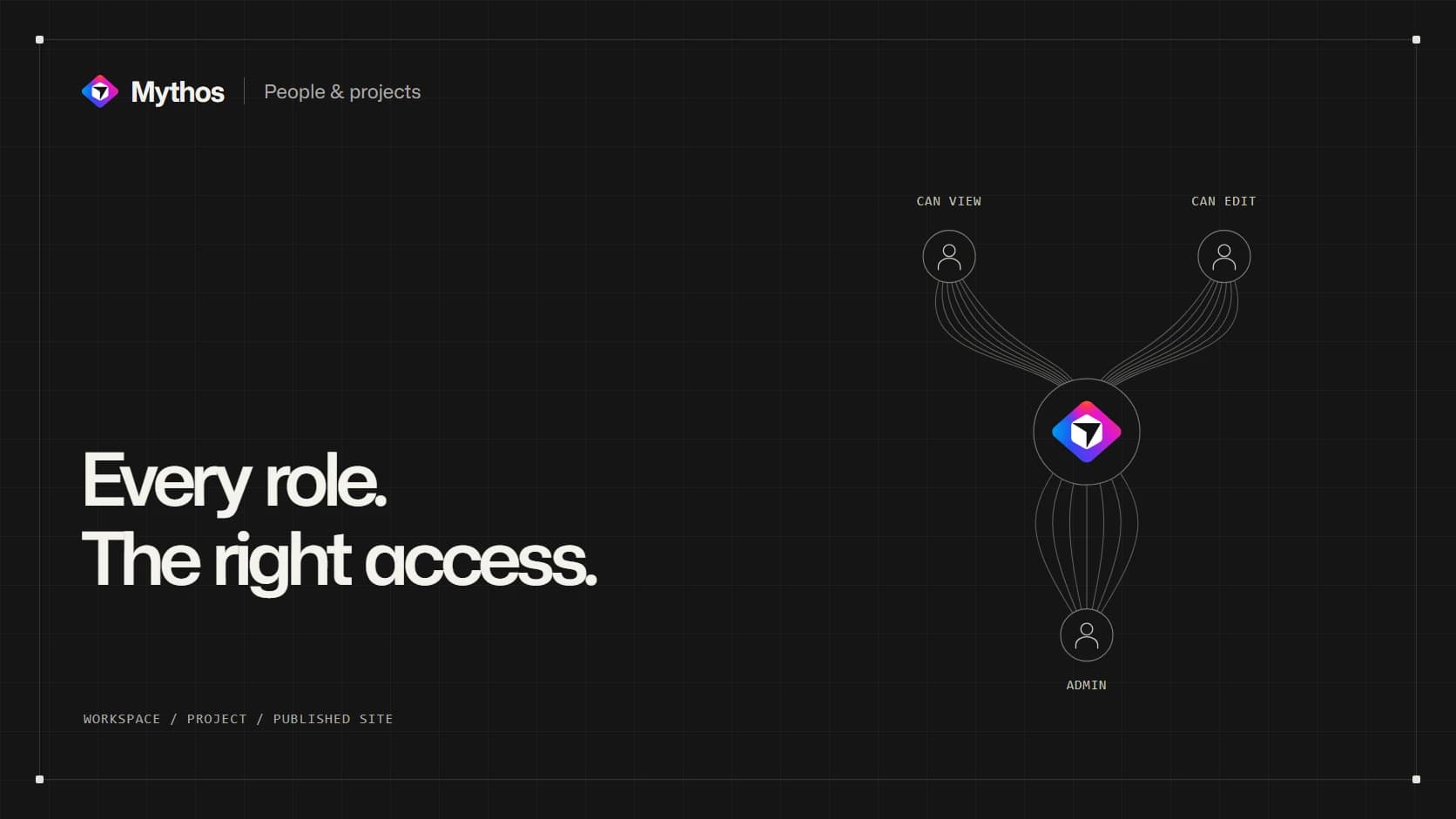
A reviewer and an editor need different access
A designer is updating the site. An operations colleague needs to check the service details. The person responsible for the business decides when the change should go live. Putting all three people in the same project does not mean giving them the same job.
Mythos separates workspace membership, project access and publication. That lets a team decide who participates in the workspace, who can change a particular project, and who can publish its result.
The distinction is useful even for a small team. A clear review role means a colleague can inspect the work without needing the ability to reorganize the whole workspace.
Invite people at the level they need
Use workspace People for continuing membership across the team. Owners and administrators manage the workspace, while Editor and Viewer roles have narrower responsibilities. Use a project's Share controls when the invitation is about that specific project.
Project roles include Can view, Can edit and Admin, subject to the access you are allowed to grant. A workspace Viewer remains read-only even when a project invitation requests editing. Check the resulting access rather than relying on the wording of one invitation alone.
Team invitations, roles and member credit limits require Pro or Business. Business also provides Restricted access for team projects and project Room conversations. The people and permissions guide explains the current plan and role rules.
Keep the review conversation close to the work
Room gives eligible teams a place to discuss the project with each other. The operations colleague can point out that a service description uses an old turnaround time, and the designer can explain the planned correction.
That conversation does not itself start a Build or update the public website. Someone still needs to turn the agreed decision into a project change. Lasting facts, such as the current service promise, belong in Knowledge when they should guide later requests.
For the final review, say which page and version you checked and what decision remains. “The contact page is approved; the pricing page still needs the owner” gives the next person something actionable.
Assign the decisions that affect everyone
An editor who can build may still be subject to the workspace's publishing rules. Agree who will update the live site and who will verify the public result. This avoids a design review being mistaken for permission to release a change.
Shared projects use the workspace's credit balance. Member limits help the workspace control how that balance is used; an individual member's limit takes precedence over the default. Review the current credits and usage rules with whoever owns billing.
When a collaboration ends, review the person's effective access, including workspace membership and project general access. Removing a single invitation does not necessarily remove access granted by another route.
Set up the roles around the real work: who edits, who checks the facts, and who makes the public release. The project then has a clear path from a proposed change to an agreed result.
Published