Set a clear budget for your next Build
Choose a spending limit before a Build, review measured usage afterward, and decide what to do if more work needs a larger budget.

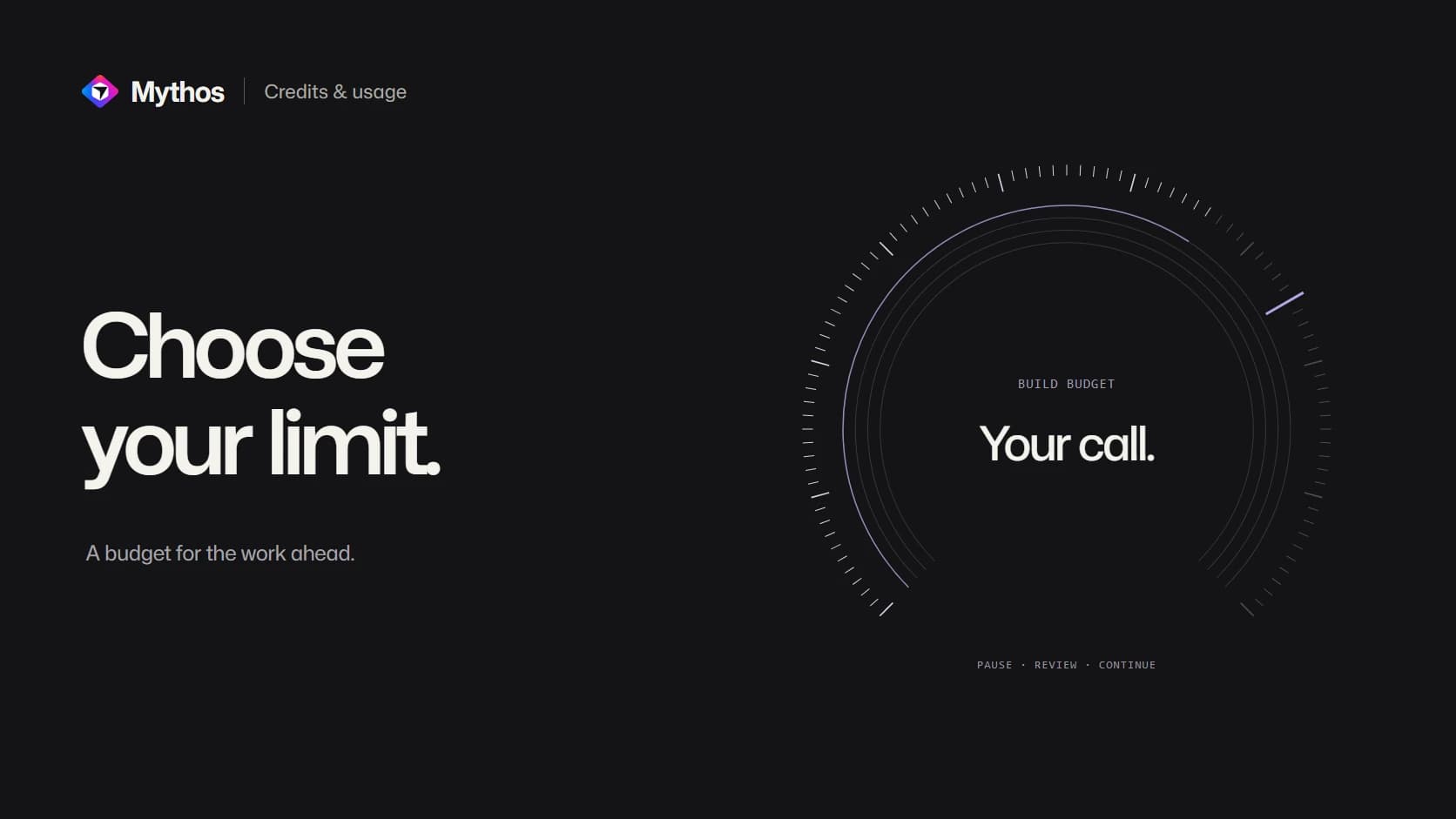
Choose the maximum before work starts
A request to fix a heading and a request to build a member portal should not need the same spending decision. Mythos lets you choose a credit limit for a Build and see the usage associated with its result.
The limit is the maximum you agree to for that work. It is not a fixed price that every request consumes. A short edit can finish well below it, while a larger request may need a decision about what to complete first.
This gives you a practical way to experiment: choose an outcome you can review, set a limit you are comfortable with, and inspect both the result and the recorded usage.
Use a default, then override it when needed
The Build section in account settings controls your default. A project setting can override it for that project. In a shared project without an override, the default of the person starting the Build applies.
A new Build reserves up to its accepted limit or the available balance, whichever is lower. The unused part is returned when the work settles. Changing a setting later applies to future work; it does not rewrite the terms of a Build already accepted.
For example, keep a modest default for ongoing page edits and choose a deliberate project limit before requesting a larger feature. The credits and usage documentation lists the current ranges and pricing rules.
A pause is a chance to review the remaining work
If a required next AI step cannot fit safely within the remaining budget, Mythos can pause with its working copy saved. Review the budget card and the unfinished work before raising the limit to continue the same Build. You can also stop.
Imagine you are adding saved searches to a listings app. The useful first result may include saving and reopening a search, while email alerts can wait for a separate request. Making that decision explicit is more helpful than simply asking the Build to keep going until everything feels complete.
A paused working copy is not a newly delivered version. Your current Preview remains available while you decide. The Build walkthrough explains how progress and delivered results appear in the conversation.
Review usage beside the result
Open More actions on the assistant message to inspect recorded credits and measured duration when available. Build usage follows the accepted pricing rules, including AI work and image generation; elapsed time alone does not determine the charge.
Choosing Stop after paid work has begun charges the consumed work under the accepted rules and returns the unused reserve. A platform failure before delivery normally returns the reservation. If an outcome is still being reconciled, its settlement can remain pending, so check the result before repeating the operation.
Plan turns have their own fixed price. Template remixes are free, and publishing an already delivered project does not start another AI run. Services you connect can have separate provider charges.
Use the result to improve the next request. If you spent most of a Build resolving what the feature should do, settle that question in Plan before starting the next implementation.
Published